AI models are smart, but they may not fully understand the context of:
- Your database schema
- Your Linear tickets
- Your internal documentation
- Your live server logs
MCP (Model Context Protocol) is an open standard that connects and utillises tools to solve your problem.
- Without MCP: You need to manually connect your data and tools to your AI models.
- With MCP: You can connect to external data sources (e.g., local files, databases), invoke tools such as search engines, allowing them to retrieve information and carry out tasks more effectively.
How it Works (The 3 Primitives)
MCP gives the Agent three abilities:
A. Resources (Reading)
- The Agent can read data from external sources.
- Example: Reading a log file or a database row to understand a bug.
B. Tools (Acting)
- The Agent can perform actions.
- Example: Creating a Jira ticket or running a database query.
C. Prompts (Templates)
- Reusable templates that help you perform specific tasks with a server.
- Example: A "Debug Crash" prompt that automatically gathers logs and analyzes them.
Using MCP
The MCP Store
Antigravity has a built-in MCP Store where you can easily install official servers.
- Click the
...menu in the Editor's Agent panel. - Select MCP Store.
- Install servers like GitHub, Linear, or MongoDB.
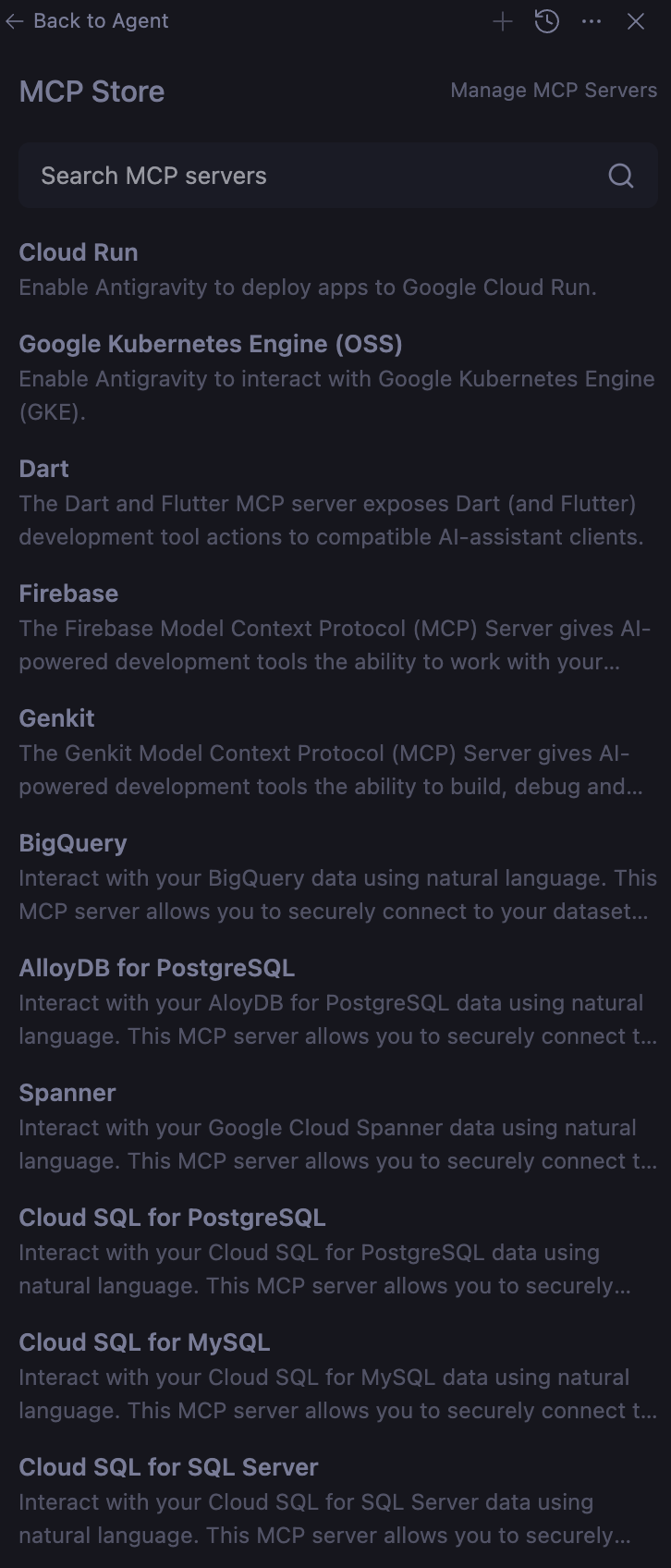
MCP Store in Antigravity
Similarly, the MCP Server in Codex is located in the settings panel (bottom left ⚙ Settings).
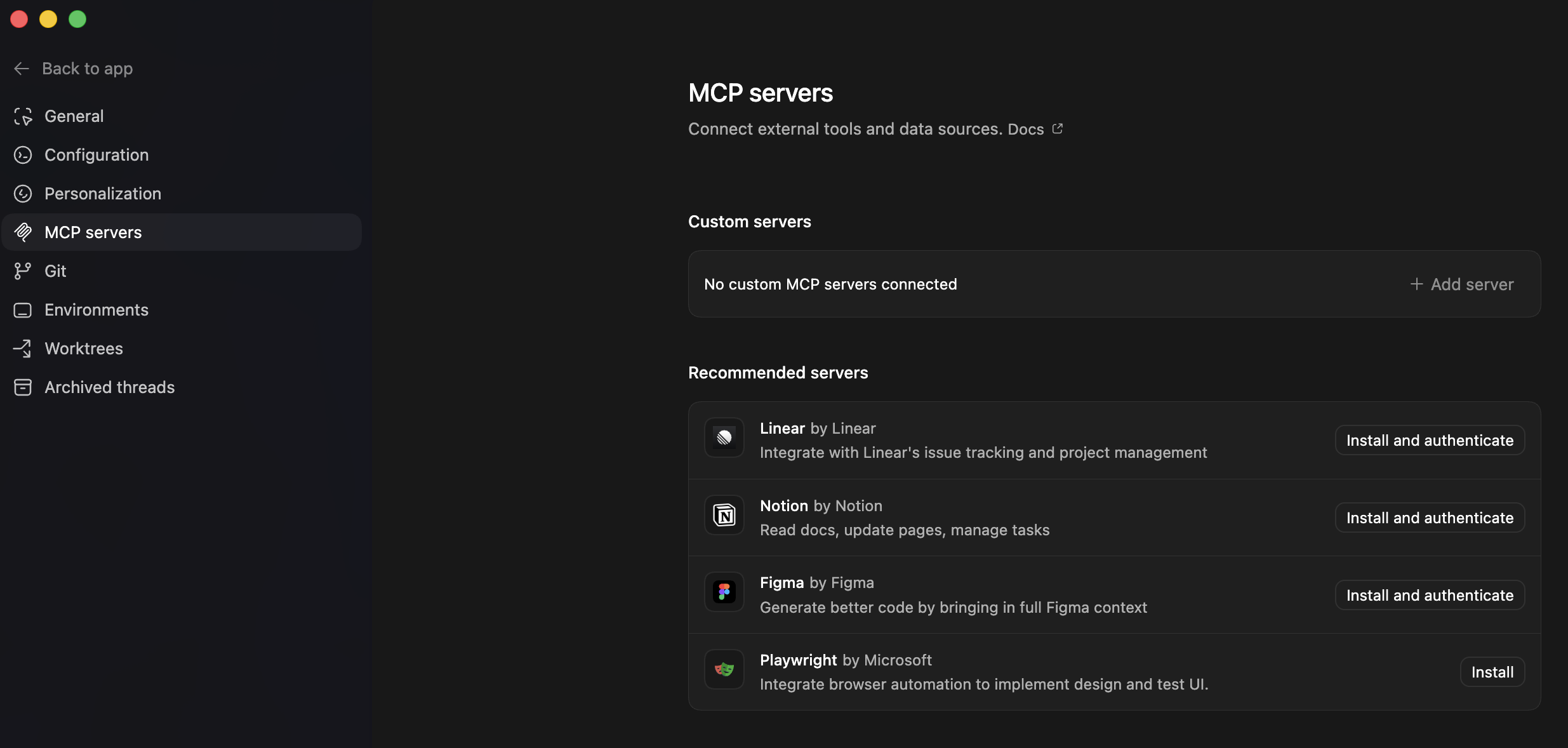
MCP Store in Codex